
The short answer: Most website platforms are built for businesses and adapted for government as an afterthought. Small municipalities and counties should evaluate platforms on government-specific tools, accessibility support, pricing transparency, ease of use for non-technical staff, and quality of ongoing support. Platforms built exclusively for local government (like Munibit) will outperform general-purpose alternatives on every one of these criteria.
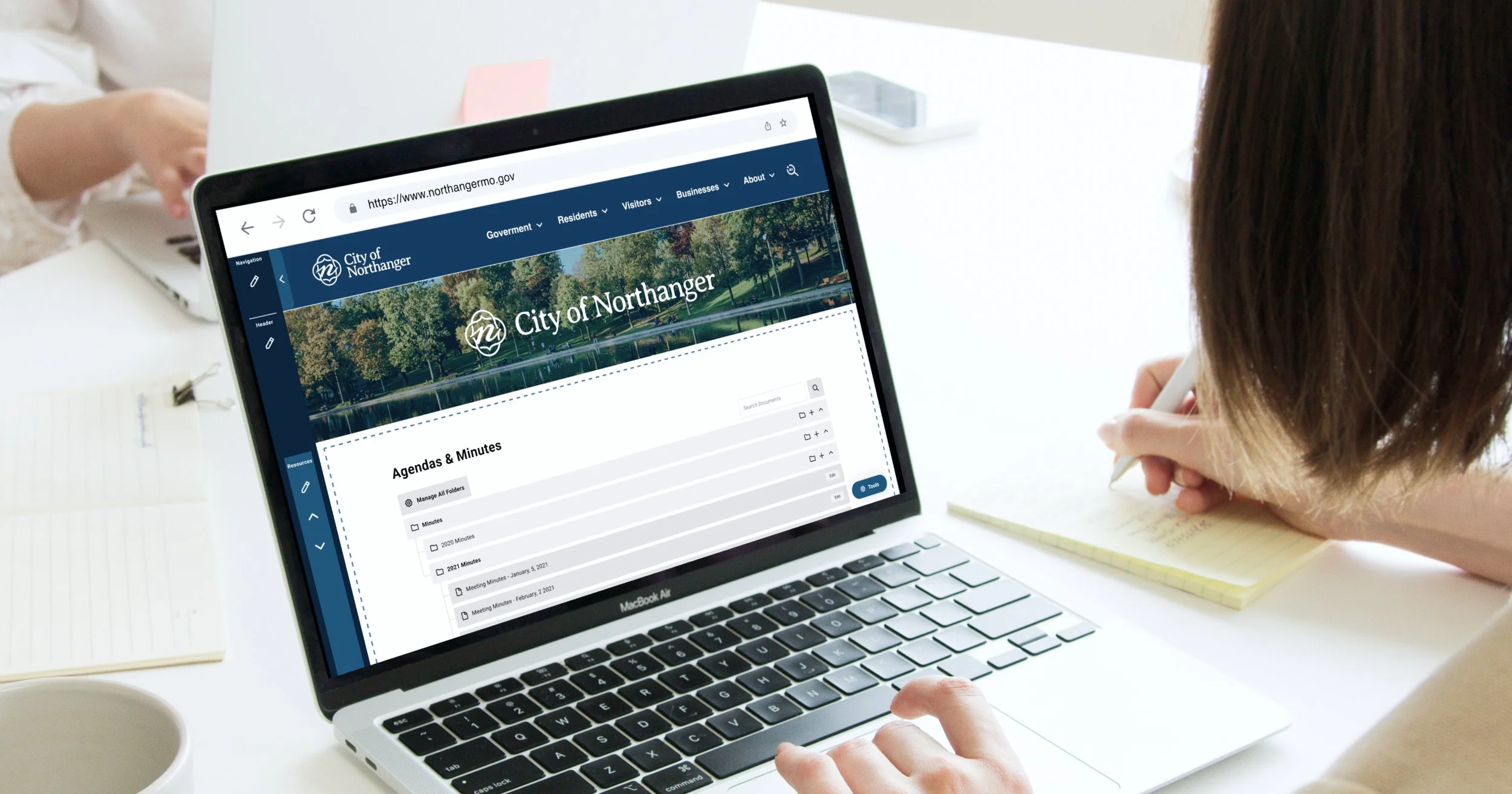
If you are a small municipality evaluating website platforms, you are probably finding that most of the options out there were not built with you in mind. They were built for businesses, nonprofits, or large institutions, then marketed to government as an afterthought.
This buyer's guide is designed to help small cities, towns, townships, villages, boroughs, and counties ask the right questions before making a decision.
1. Does It Include Government-Specific Tools?
A municipal website is not the same as a business website. Your residents need to access meeting agendas and minutes, submit forms, pay bills online, find public notices, reserve community spaces, and sign up for emergency alerts. A platform that does not include these tools out of the box means you will be piecing together third-party integrations, each with its own cost, setup time, and support contract.
Ask specifically: What tools are included in the base price? What costs extra?
2. Is Accessibility Support Built In?
The DOJ requires local governments under 50,000 in population to meet WCAG 2.1 Level AA web accessibility standards by April 26, 2028. A platform that treats accessibility as an add-on, a separate purchase, or a bolt-on overlay is not a long-term solution.
Ask specifically: Is accessibility support included in every plan? Does it cover forms and documents, not just web pages?
3. What Are the True Costs?
The monthly or annual subscription price is rarely the full picture. Watch for setup fees, design fees, migration fees, per-user charges, support fees, and long-term contract requirements. A platform that advertises a low monthly rate but charges thousands to get started is not actually affordable for a small government.
Ask specifically: Are there setup, design, or migration fees? Is support included? Is there a long-term contract?
4. Can Non-Technical Staff Manage It?
Most small municipalities do not have a dedicated IT team. The person updating your website is likely your clerk, your administrator, or someone wearing multiple hats. A platform that requires developer involvement for routine updates is not a fit for a small government team.
Ask specifically: Can staff update pages, post documents, and manage content without any coding or technical background?
5. What Does Support Actually Look Like?
When something goes wrong or your team has a question, who answers? A US-based support team that knows local government is very different from a generic help desk or a ticketing system with a three-day response time.
Ask specifically: Is support US-based? Is there a dedicated account manager? Is support included in the price?
How Munibit Answers Every One of These Questions
Munibit was built exclusively for small local governments in the United States. It includes government-specific tools in every plan: online payments, public notices, meeting calendars, document libraries, online forms, AI chatbot, alerts, directories, facility reservations, and more. Nothing is an add-on.
Accessibility support is built into the platform at WCAG 2.2 AA, which goes above the DOJ requirement. It supports pages, forms, and documents.
For municipalities under 10,000 in population, there are no setup fees, no design fees, and no long-term contracts. Plans start at $99/month and are based on population. Setup, design, migration, training, and ongoing support are all included and handled by a dedicated, US-based account manager.
Ready to see it for yourself?
A free demo is the fastest way to get every question answered at once.
Frequently Asked Questions
-
Most website platforms are designed for businesses and adapted for government use as an afterthought. Munibit is purpose-built for cities, towns, townships, villages, boroughs, and counties. It is designed around the specific workflows of local government, with built-in tools for public records, resident communication, meeting management, and online service delivery.
-
Look for government-specific tools built in (not as add-ons), accessibility support that covers pages, forms, and documents, transparent pricing with no hidden fees, no-code management for non-technical staff, and US-based support included in the price. Munibit meets all of these criteria and serves municipalities typically under 10,000 in population starting at $99/month.
-
Most Munibit websites launch within a few weeks. Munibit provides a readymade municipal website structure and handles design, setup, and data migration so your team does not have to start from scratch.